
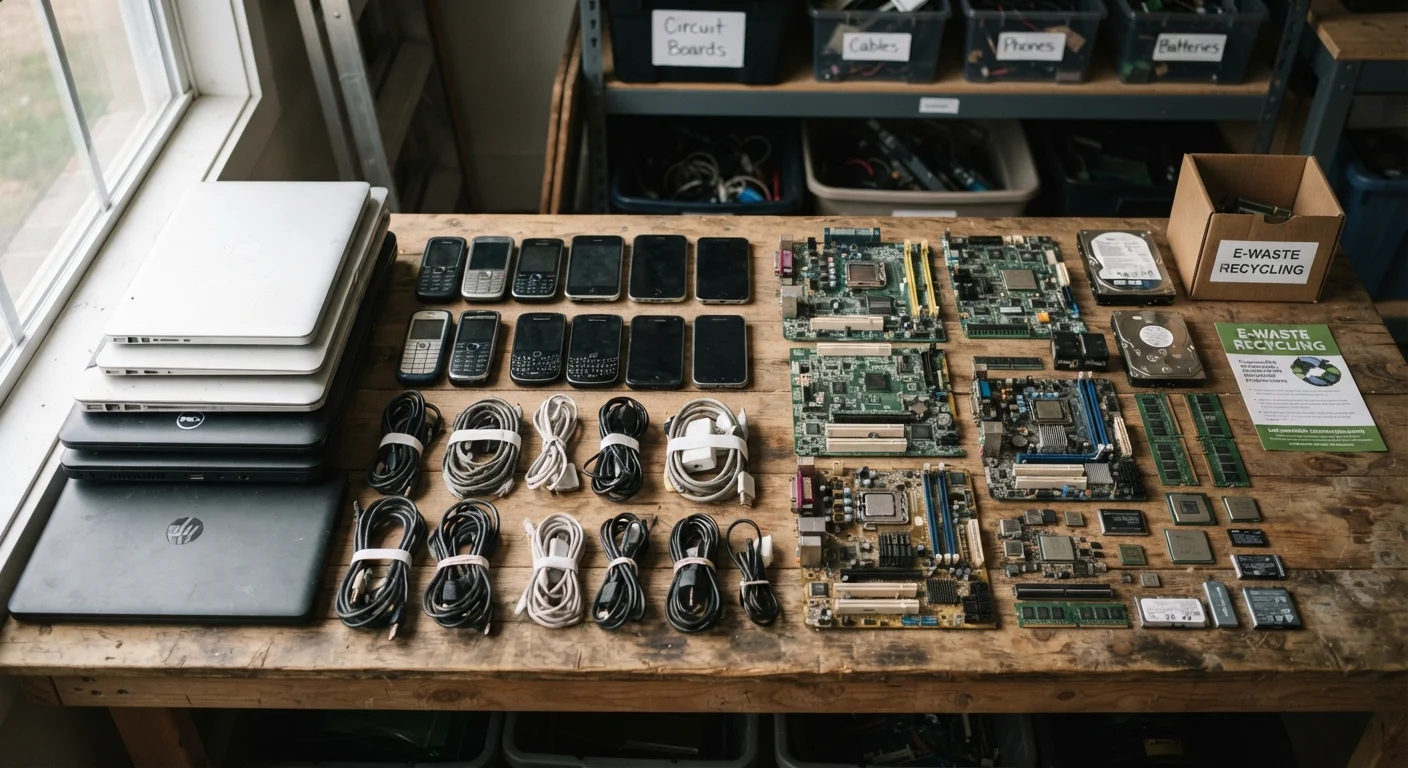
Why Electronics Can't Go in the Bin
Consumer electronics are engineered from a layered mix of materials: aluminum and copper for conductivity, rare earth elements for display and battery performance, and various plastics for housing. They also contain regulated hazardous materials — lead in older solder joints, mercury in certain backlights, cadmium and lithium in batteries, and flame retardants in circuit boards.
When a device ends up in a standard landfill, these materials don't simply disappear. Rain can carry leached metals into groundwater. Incinerating mixed waste can release toxic compounds into the air. This is why specialized handling exists — and why a growing number of states have passed laws restricting electronics from general solid-waste disposal.
Before you recycle, it's also worth asking whether the device is genuinely at end-of-life. Check whether the issue might have a simple fix before committing to disposal. Similarly, diagnosing small appliance problems first can save you an unnecessary trip.
Never Put Electronics in Regular Trash
Household trash ends up in landfills where device components can leach lead, cadmium, and mercury into soil and groundwater. In many U.S. states, disposing of certain electronics in regular trash is actually prohibited by law. Always use a designated e-waste collection program, drop-off site, or certified recycler.
What Certified Recyclers Actually Do
Reputable e-waste recyclers follow a systematic process. Devices are first sorted by category, then assessed for reuse potential — components that still function may be refurbished and resold, which is a more resource-efficient outcome than shredding. Devices that can't be reused are disassembled by hand or machine, separating ferrous metals, non-ferrous metals (copper, aluminum), plastics, and glass.
Hazardous components — batteries, cathode ray tubes, fluorescent backlights — are routed to specialized processors. Metals recovered through this process re-enter the manufacturing supply chain, reducing demand for newly mined raw materials.
Uncertified Recyclers Can Export E-Waste Illegally
Some operations that call themselves recyclers ship e-waste to countries with weaker environmental protections, where it is processed unsafely by workers without protective equipment. Look for recyclers certified under programs such as e-Stewards or R2 (Responsible Recycling) to reduce this risk. Certification does not guarantee perfection, but it establishes a verified baseline of responsible practice.
Understanding how devices age can also inform when recycling makes sense versus when a repair is still worth pursuing. A realistic look at how electronics age can help you make that call with more confidence.
How to Prepare and Recycle Your Device
What you will need
External hard drive or cloud storage
Used to back up any personal files before wiping the device.
Small screwdriver set
Needed to remove batteries from devices where they are not easily accessible.
Certified e-waste drop-off location or mail-in service
The destination for your device once it has been prepared for recycling.
Back up your data
Before doing anything else, save anything you want to keep. Transfer photos, documents, and contacts to an external drive or a cloud service. Once a device is wiped, recovery is generally not possible through a recycler.
Sign out of all accounts
Log out of every account linked to the device — email, app stores, streaming services, and any connected smart-home platforms. For phones, disable activation lock features (such as Find My on Apple devices) so the device can be processed without triggering remote locks.
Perform a factory reset
Run a full factory reset through the device's settings menu. This overwrites your personal data and returns the device to its original state. For computers, use the operating system's built-in reset or erase function rather than simply deleting files — deleted files can often be recovered without a proper wipe.
Remove batteries where possible
Lithium-ion batteries are a separate waste stream from the rest of the device — they carry fire risk if damaged during shredding. If your device has an easily removable battery, take it out and bring it to a battery-specific collection point (many hardware and electronics retailers accept them). If the battery is sealed inside, the recycler's process should handle it, but confirm this when you drop off.
Find a certified drop-off location
Search for recyclers certified under e-Stewards or R2 standards. Municipal household hazardous waste programs, retailer take-back events, and manufacturer programs are common options. The U.S. Environmental Protection Agency's website lists resources for finding local e-waste programs. Confirm in advance which device types the program accepts — not every site takes every category.
Drop off and get a receipt or confirmation
Bring the device to your chosen location. If available, ask for a receipt or confirmation that the item was accepted. Some certified recyclers provide a certificate of data destruction, which can be useful if you are disposing of a work device or one that held sensitive personal information.
Check Manufacturer Take-Back Programs First
Many device manufacturers run their own take-back or trade-in programs that handle disposal properly at no cost to you. These programs are worth checking before seeking a third-party recycler, since they often accept the brand's devices regardless of age or condition.
If your device is older and you're not sure whether the habits around it have been shortening its usable life, common electronics myths are worth reviewing before you recycle your next one.