
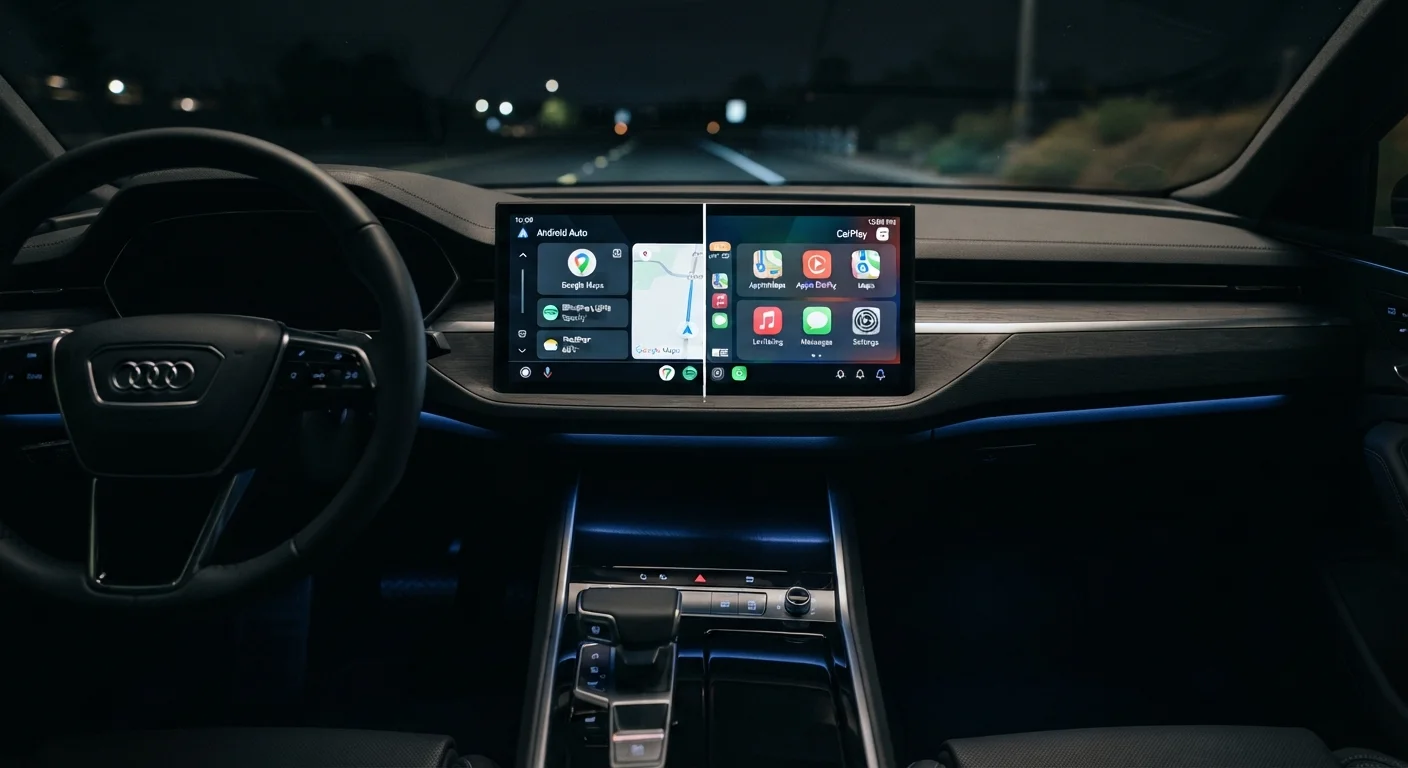
How Both Platforms Work
Android Auto and Apple CarPlay both function on the same core principle: they project a simplified, driver-friendly version of your smartphone's interface onto your vehicle's infotainment screen. Rather than replacing your car's built-in system, they overlay a phone-mirrored environment that prioritizes large touch targets, voice control, and minimal distraction.
Android Auto requires an Android phone running Android 6.0 or later and a compatible head unit. Apple CarPlay requires an iPhone 7 or later running iOS 14 or higher. Connection is established either via a USB cable or, on supported vehicles and phones, wirelessly over Wi-Fi. For a closer look at the trade-offs between those two connection methods on the CarPlay side, see our guide to wired vs. wireless CarPlay.
Once connected, both platforms hand control of the screen primarily to the phone's operating system, meaning app updates and feature changes happen through your phone - not through your car manufacturer.
Navigation: Different Maps, Similar Results
Navigation is where most drivers spend the most time, and both platforms handle it well - but through different defaults.
Android Auto defaults to Google Maps and also supports Waze natively. Both apps display turn-by-turn directions, real-time traffic data, and speed limit overlays directly on your screen. Sygic and a handful of other third-party navigation apps are also compatible.
Apple CarPlay defaults to Apple Maps, which has improved substantially in recent years and now offers lane guidance, speed camera alerts, and junction views in many regions. Google Maps and Waze are also available on CarPlay, so iPhone users are not locked out of those tools.
The practical difference is that Android Auto users tend to get a slightly broader ecosystem of navigation choices by default, while CarPlay users who prefer Apple Maps benefit from tighter Siri integration during route management.
| Android Auto | Apple CarPlay | |
|---|---|---|
| Compatible phones | Android 6.0+ | iPhone 7+ with iOS 14+ |
| Default navigation app | Google Maps | Apple Maps |
| Voice assistant | Google Assistant | Siri |
| Third-party app openness | More open ecosystem | Curated, restricted categories |
| Wireless connection support | Supported on select vehicles/phones | Supported on select vehicles/iPhones |
| Privacy approach | Google data practices apply | Apple privacy-first framework |
| Waze support | Yes, natively | Yes, via App Store |
Voice Assistants and Hands-Free Control
Both platforms are designed to be operated largely by voice, reducing the need to touch the screen while driving.
Android Auto uses Google Assistant, which is widely regarded as one of the strongest natural-language processors available. It handles complex queries well - including contextual follow-ups - and integrates tightly with Google Calendar, Gmail, and other Google services for managing your day while driving.
Apple CarPlay uses Siri, which has improved considerably but is still generally considered more limited in conversational depth. Siri excels at Apple ecosystem tasks: reading iMessages, managing Apple Calendar reminders, and controlling Apple Music without touching the screen.
Set Up Your Assistant Before You Drive
Configure your preferred voice assistant - Google Assistant or Siri - to recognize your voice while your phone is still connected at home. This reduces setup friction on the road and ensures voice commands are ready the moment you pull out of the driveway. Both assistants support hands-free wake words so you never need to reach for the screen.
Neither assistant can fully replace attentive driving. Both are tools for reducing friction, not for multitasking behind the wheel.
App Availability and Third-Party Support
One meaningful difference between the two platforms lies in how openly they accept third-party apps.
Android Auto has historically allowed a wider range of third-party app categories, including messaging apps, audio streaming services, and navigation tools from various developers. This reflects Android's generally more open app policy.
Apple CarPlay is more curated. Apple restricts which app categories can appear on the CarPlay interface - a deliberate safety and quality control decision. Supported categories include audio, messaging, navigation, parking, EV charging, and a growing list of automaker apps. In practice, most everyday apps drivers want are available on both platforms.
If your in-car Bluetooth setup factors into app audio quality, our article on Bluetooth 5.0 vs. 5.3 in your car explains how connection version can affect streaming.
Privacy and Security Considerations
Both platforms transmit data between your phone and vehicle, which raises reasonable questions about privacy. Android Auto sends usage data to Google by default, consistent with broader Android data practices. Apple CarPlay is designed around Apple's privacy-first framework, limiting what data is shared with third parties.
Neither platform stores detailed trip history on the vehicle's infotainment unit itself - data lives on your phone and within the respective cloud ecosystems. Drivers concerned about connected vehicle security more broadly should review practical habits for keeping in-car tech secure.
800+
Vehicle models supporting CarPlay
Apple reports that CarPlay is available in the vast majority of new vehicles sold in the United States.
~50%
US new-car buyers who use CarPlay or Android Auto
Industry surveys consistently indicate that roughly half of new-vehicle owners actively use a smartphone projection platform.
If you're considering upgrading your vehicle's head unit to gain access to either platform, check our aftermarket screen compatibility checklist before purchasing.