
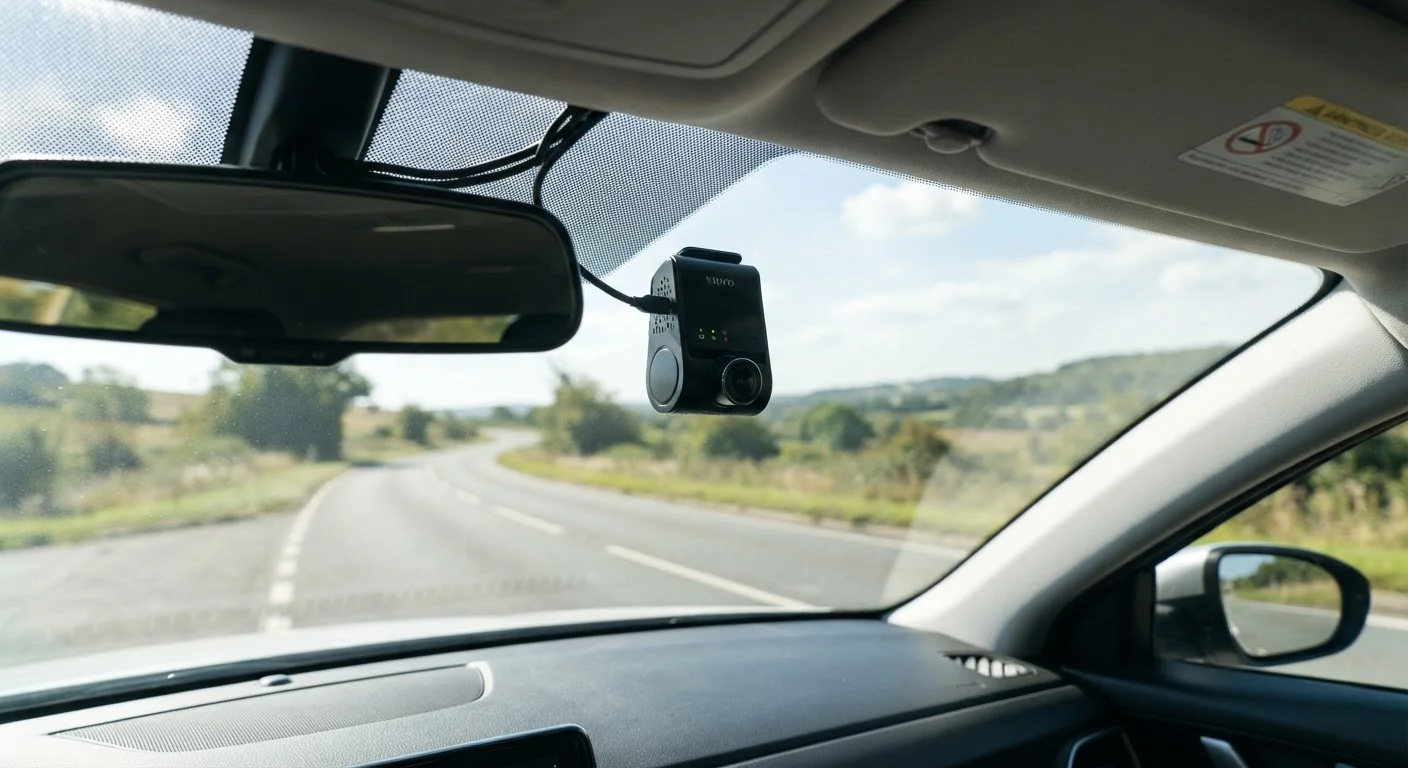
Why Dashcam Setup Deserves More Attention Than It Gets
Dashcams have become one of the most practical automotive accessories available, offering documented evidence in accidents, protection against insurance fraud, and peace of mind during long drives. Yet the majority of drivers plug one in, stick it to the windshield, and assume the job is done. That assumption is where problems begin.
A dashcam that's poorly installed can produce footage too blurry to read a license plate, overheat and shut down in summer heat, or run out of storage space before a critical incident is ever captured. Just as rushing through any electronics setup tends to create problems down the road, shortcutting dashcam installation carries real consequences. The mistakes below are the ones that show up most often - and are the easiest to fix before they matter.
Common Dashcam Setup Mistakes and How to Avoid Them
Understanding where the setup process typically breaks down is the first step toward getting it right. These are the errors drivers most frequently overlook.
Mounting the camera in a spot that obstructs the driver's sightline or misses key road coverage.
Why it happens: Drivers prioritize convenience over optimal placement, often choosing wherever the mount adhesive sticks most easily rather than where the lens actually needs to be.
Using a low-quality or wrong-type memory card that can't handle continuous recording.
Why it happens: Many buyers use whatever microSD card they have on hand, not realizing dashcams require cards designed for sustained, high-cycle write operations.
Never configuring loop recording settings, leaving the camera to stop once storage is full.
Why it happens: Loop recording is often enabled by default but may not be set to the right segment length, or drivers don't realize the setting exists and must be verified.
Routing power cables sloppily so they create a distraction or disconnect while driving.
Why it happens: Dashcam power cables are often longer than needed, and hiding them inside door trim or along the headliner takes extra time most drivers skip.
Never reviewing recorded footage to confirm the camera is actually working and the image is usable.
Why it happens: After installation, drivers assume the unit is operational without ever watching a clip - only to discover months later that the lens was smudged, the angle was wrong, or the card had failed.
Check Your State's Windshield Mounting Laws
Dashcam placement rules vary by state. Some states restrict devices mounted in certain areas of the windshield if they obstruct driver vision. Before finalizing your mount position, verify your state's specific regulations - a camera in the wrong spot could result in a fix-it ticket regardless of your intent.
Getting the Most From Your Dashcam Long-Term
Even after a solid initial setup, dashcam performance can degrade silently. Memory cards are a particular weak point: lower-quality or consumer-grade cards not rated for continuous write cycles can fail within months of regular use. Look for cards labeled for dashcam or security camera use, which are built to handle the constant recording and overwriting those devices require.
Heat is the other persistent enemy. Car interiors can reach extreme temperatures on sunny days, and dashcams mounted on windshields bear the brunt of direct sunlight. If your unit supports parking mode - which keeps it recording or on motion alert when the engine is off - be aware this draws from the vehicle battery. A hardwire kit with a voltage cutoff protects against a drained battery, but this type of installation is best handled by a professional to avoid electrical issues.
It's also worth revisiting your setup whenever you adjust another in-cabin device. Drivers who add head-up displays or other windshield-mounted tech sometimes inadvertently shift camera angles or obstruct the dashcam's field of view. A quick footage review after any change confirms nothing has been compromised.
Don't Rely on Parking Mode Without a Hardwire Kit
Running a dashcam in parking mode directly from the cigarette lighter port can fully drain your vehicle's battery overnight, leaving you stranded. A proper hardwire kit with a built-in voltage cutoff is the correct solution, but it involves tapping into your vehicle's fuse box. If you're not comfortable with automotive electrical work, have a professional handle this installation.
Finally, treat your dashcam like any other vehicle system. The same discipline that applies to routine vehicle maintenance - checking, verifying, and not assuming everything is fine - applies here. A dashcam you never review could be silently failing, and you won't know until you need the footage most.