
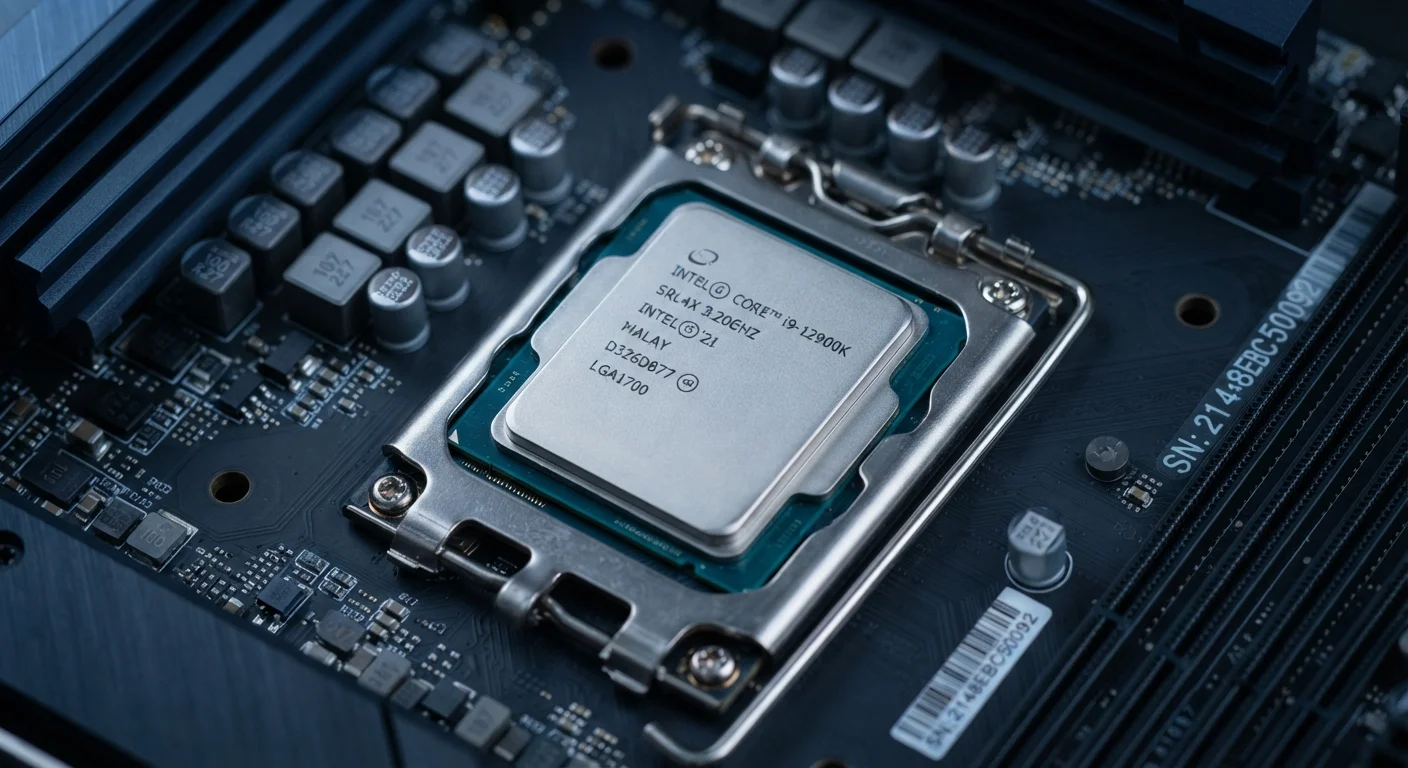
What GHz Actually Measures
Gigahertz (GHz) is a measure of clock speed — specifically, how many billions of cycles a processor completes per second. A chip running at 3.5 GHz completes 3.5 billion cycles every second. It sounds impressive, and it is, but the number alone doesn't tell you how much useful work gets done in each cycle.
That's the catch. Different processor architectures accomplish more or less work per clock cycle. This is why comparing GHz between, say, a laptop chip and a desktop chip from different generations or manufacturers can be an apples-to-oranges exercise. A chip with fewer GHz but a more efficient architecture may handle the same task faster and with less battery drain.
For a broader look at how measurement terms translate to everyday device performance, see our plain-English electronics glossary.
1–2
Cores used by most everyday software tasks
General computing workloads like web browsing and document editing typically run on one or two cores regardless of how many a chip contains.
~10–15%
Typical generational IPC improvement per chip cycle
Chip designers commonly report instructions-per-clock (IPC) gains of roughly 10–15% between major architecture generations, independent of clock speed changes.
Nanometers
Process node scale for modern consumer chips
Consumer processors are now manufactured at process nodes measured in single-digit nanometers, a key driver of efficiency gains alongside clock speed improvements.
What Core Count Actually Tells You
Cores are the independent processing units inside a chip. A dual-core processor has two; an octa-core has eight. The basic idea is that more cores allow the chip to work on more tasks simultaneously — like having more workers on a job site.
But here's what spec sheets rarely explain: most everyday software isn't written to take advantage of large numbers of cores. Browsing the web, writing documents, and watching video typically run on one or two cores at a time. Adding more cores doesn't speed those tasks up.
Where core count genuinely matters is in workloads that are designed to split across multiple threads — video editing, audio production, software compilation, and scientific computing. If that's not your use case, chasing a high core count has diminishing returns for everyday use.
Match Cores to Your Software, Not a Spec Sheet
Before assuming more cores means better performance, check whether the software you actually use is designed to run across multiple threads. Productivity suites, browsers, and streaming apps typically don't scale with core count the way video editing or 3D rendering software does. Spending more for cores you won't use is a common and avoidable mistake.
The Factors Spec Sheets Leave Out
Raw GHz and core counts leave out several performance drivers that often matter more in daily use:
- Cache memory: A small pool of ultra-fast storage built into the chip. Larger cache means the processor spends less time waiting for data, which noticeably smooths out real-world performance.
- Memory bandwidth: How quickly the chip can move data to and from system RAM affects everything from loading apps to rendering graphics.
- Thermal management: A chip may have a high peak clock speed, but if it overheats under sustained load, it throttles down. Real-world sustained performance often differs from advertised peak speeds.
- Process node: Measured in nanometers, this describes how densely transistors are packed onto the chip. Smaller nodes generally produce more efficient chips at similar clock speeds.
This is similar to how other product specs can be more marketing than measurement — much like understanding what bedding labels actually mean beyond the headline number.
“Clock speed is a very crude metric. What matters is how much work a processor can do per clock cycle, and that's determined by architecture — something a GHz figure tells you nothing about.”
— Anandtech Editorial Staff, Long-running independent processor review publication
Matching Specs to What You Actually Do
The most practical question isn't which processor has the highest numbers — it's whether the chip handles your specific workload without frustration. Consider these use cases:
- General everyday use
- Email, browsing, video streaming, and word processing place light demands on any modern chip. Mid-range specs from the last few years handle these tasks comfortably.
- Content creation
- Photo editing, video rendering, and music production benefit from both higher clock speeds and higher core counts, plus adequate RAM alongside the processor.
- Gaming
- Games rely heavily on the graphics processor (GPU) and benefit from fast single-core performance. An extremely high core count is less important than clock speed and GPU quality.
Understanding specs in context — rather than in isolation — is what separates a confident purchase from one driven purely by marketing numbers. The same principle applies when reading a vacuum cleaner spec sheet: the headline figure rarely tells the whole story.
Benchmarks Are More Reliable Than Spec Comparisons
Independent benchmark tests — which measure real-world tasks like exporting video, loading applications, or running simulations — give a more accurate picture of how a chip performs than GHz or core count alone. When researching a device, looking up benchmark results for your specific use case is a more reliable method than comparing spec-sheet numbers directly.