
What Streaming Actually Does
When you press play on a streaming service, your device sends a request to a remote server. That server responds by sending tiny chunks of the media file — a few seconds of audio or video at a time — in a continuous flow. Your device decodes and plays each chunk almost immediately, then discards it. Nothing is saved permanently.
This process is called buffering: your device loads a small amount ahead of what's currently playing to smooth over any brief interruptions. If your internet connection slows or drops, that buffer depletes and playback pauses. The quality of your stream often adjusts dynamically — dropping from, say, 4K to 1080p — to match available bandwidth. For a plain-English look at what those resolution numbers mean in practice, see Screen Resolution Demystified.
Streaming's core trade-off: it demands consistent bandwidth but uses almost no permanent storage space on your device.
What Downloading and Offline Mode Actually Do
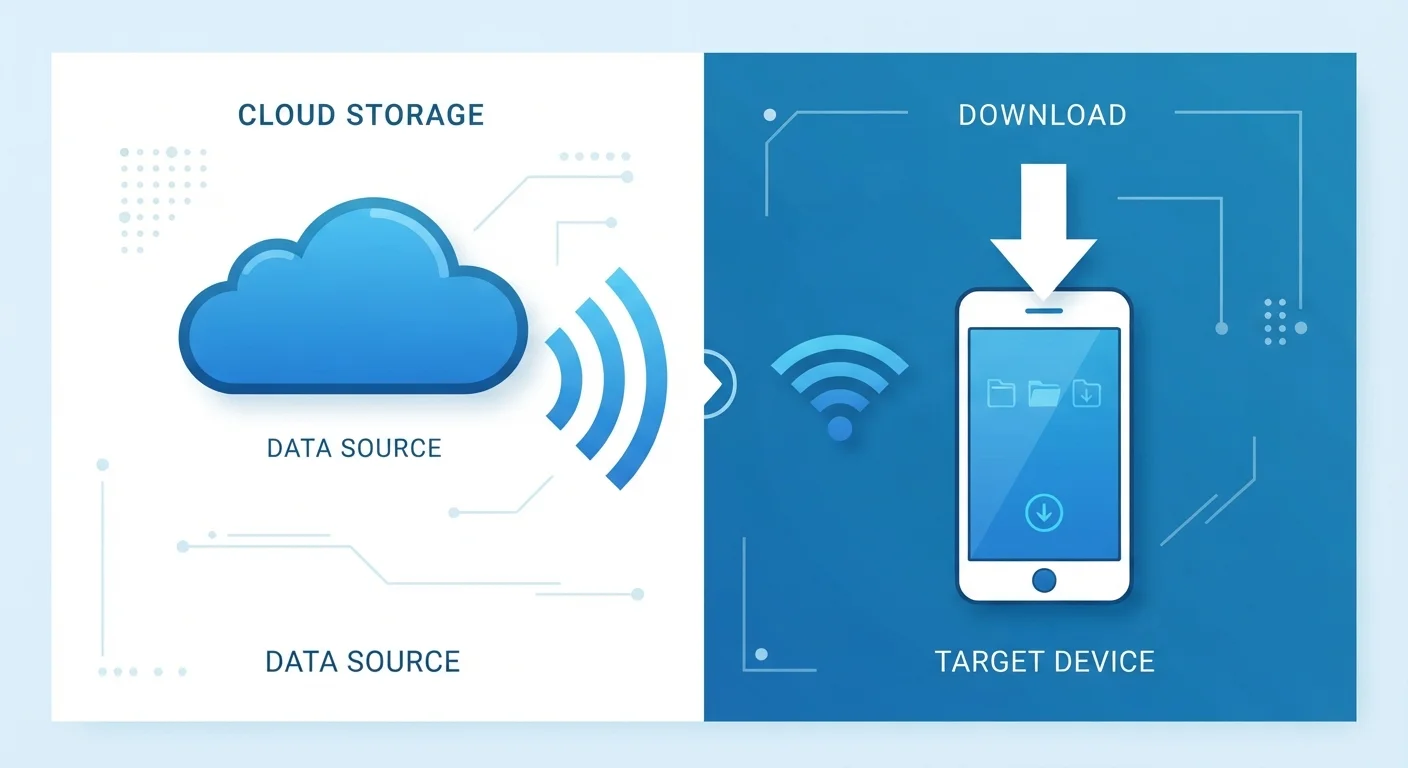
Downloading transfers a complete file from a server to your device's local storage. Once the transfer finishes, playback requires no internet connection at all — the data is already on your device.
Offline mode, offered by services like Netflix, Spotify, and YouTube Premium, works similarly but with important limits. The app downloads an encrypted, platform-locked copy of the content. You can play it without internet, but you typically cannot transfer the file, and it expires after a set period (often 30 days, or sooner if you don't re-connect to verify your subscription). This is a managed download — not permanent ownership of a file.
The storage cost is real. A one-hour HD video episode can occupy 1–3 GB of space depending on quality settings. Understanding the difference between storage and the memory your device uses to run apps is worth a moment — Storage vs. RAM breaks that down clearly.
| Criterion | Streaming | Downloading / Offline Mode |
|---|---|---|
| Internet required to play | Yes — continuous connection needed | No — plays from local storage |
| Storage used on device | Minimal — nothing saved | Significant — 1–3 GB per hour of HD |
| Data consumption timing | Continuous during playback | Upfront burst, then none |
| Playback quality control | Auto-adjusts to bandwidth | Set at download time, consistent |
| File ownership | None — server-side only | Temporary licensed copy (expires) |
| Best connection environment | Stable broadband or Wi-Fi | Any — including no connection |
Bandwidth, Data Caps, and Battery Life
Streaming and downloading both consume mobile data — the question is when and how much. Streaming draws data continuously every time you watch. Downloading consumes a larger burst upfront, then nothing during playback.
1–3 GB
Data per hour of HD video streamed
Estimates vary by service and quality setting; 4K streaming can use 7 GB or more per hour.
~320 MB
Data per hour of standard audio streaming
At high-quality settings (320 kbps), one hour of music streaming uses roughly this amount of data.
30 days
Typical offline download expiry window
Many major streaming platforms expire downloaded content within 30 days, requiring a reconnection to renew access.
For anyone on a capped data plan, downloading content over Wi-Fi before leaving home is a straightforward way to reduce mobile data use. Most streaming apps let you set download quality — lower quality means smaller files and faster downloads, while higher quality produces larger files that look better on bigger screens.
Battery consumption is also worth factoring in. Active wireless data transfers — both streaming and downloading — draw more power than simply reading a local file. If battery life is a concern, downloading over Wi-Fi first and playing offline often extends playback time compared to continuous streaming.
For a broader grounding in how your devices handle connectivity and storage, Electronics for the Genuinely Non-Technical Person covers these concepts without the jargon.
How to Decide Which Approach Fits Your Situation
Neither streaming nor downloading is universally better — each suits different conditions. Ask yourself three practical questions:
- How reliable is my connection where I'll be watching? At home on a stable broadband connection, streaming is generally seamless. On a train or in a rural area, downloaded content is far more dependable.
- How much storage do I have available? If your phone or tablet is nearly full, streaming avoids the storage problem entirely. If you have headroom to spare, offline downloads are a practical option.
- Am I on a limited data plan? Downloading over Wi-Fi once is more data-efficient than streaming the same content multiple times.
Many services let you mix strategies — stream at home, download before a trip. There's no obligation to pick one approach and stick with it. The goal is simply matching the method to the conditions you're actually in.
This article is for general informational purposes only. Technology features and service terms vary by platform and may change over time; check your specific service's documentation for current details.